Beeking
1. Install the plugin
Install Beeking Search from WordPress or the plugins panel.
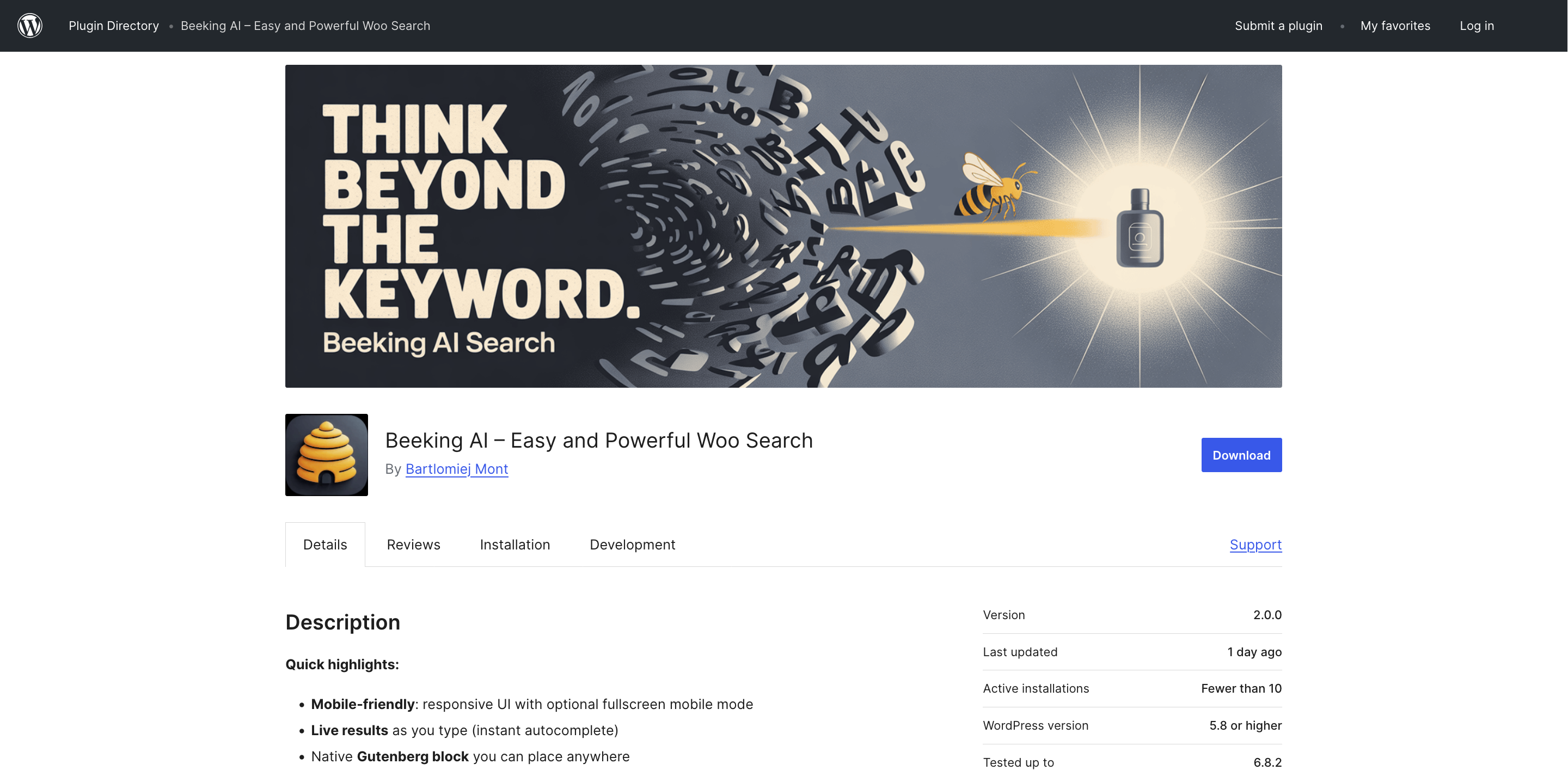
Connect your catalog through the Beeking Search WordPress plugin. WooCommerce pricing is separate from the Shoper plan.
Install Beeking Search from WordPress or the plugins panel.
Choose a plan matching your catalog and search volume.
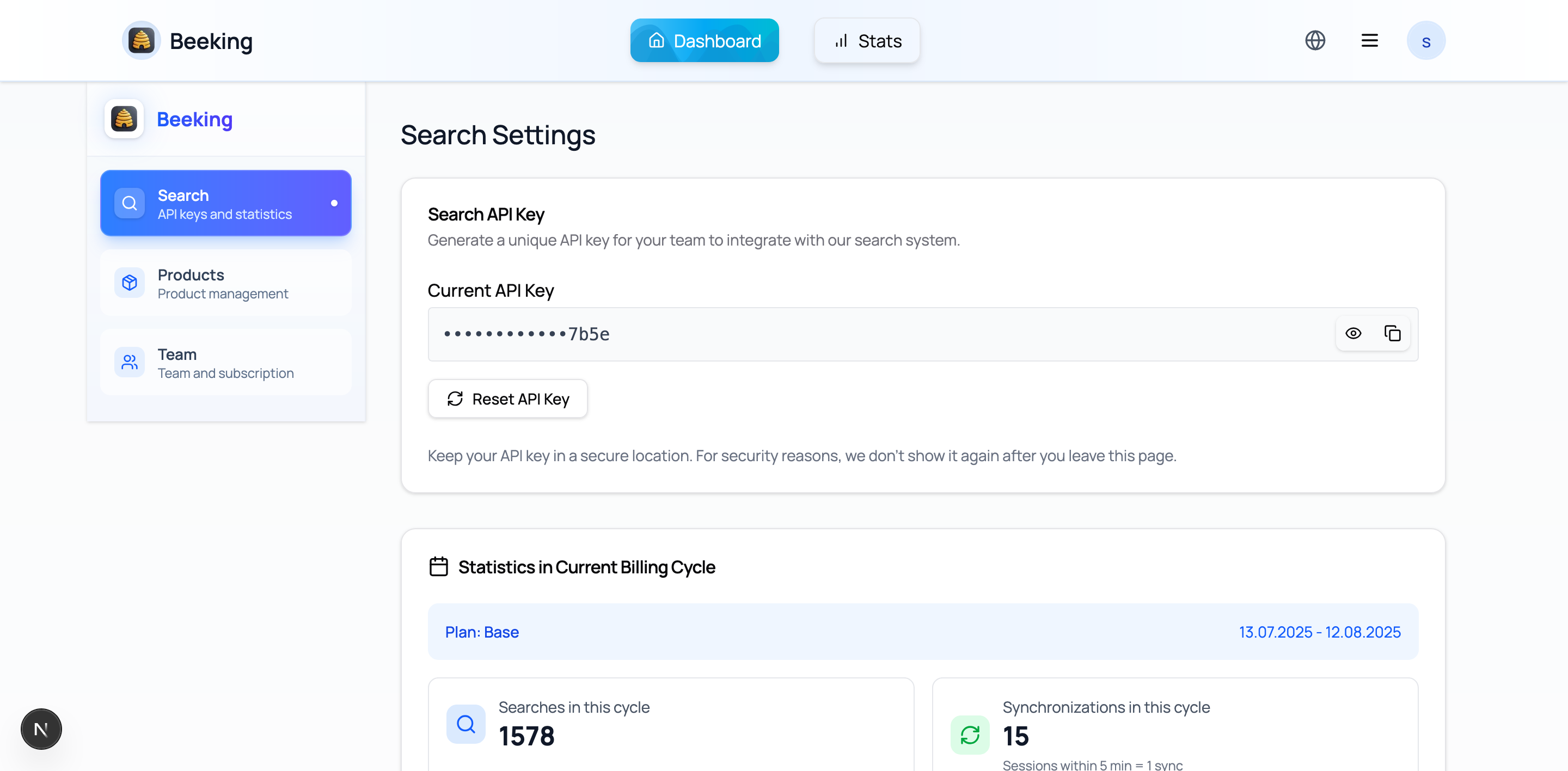
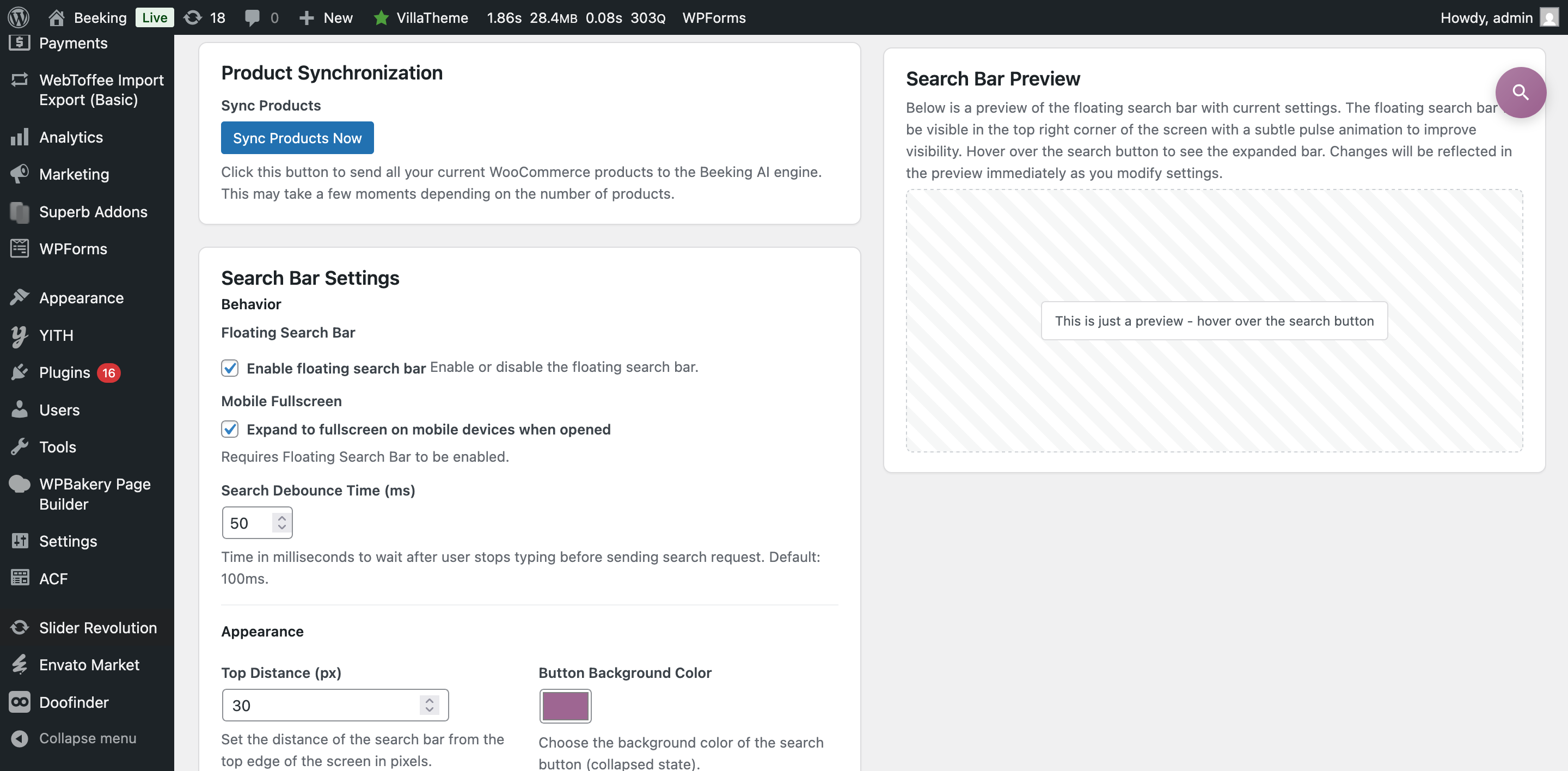
Copy the API key from Beeking into the plugin settings and wait for the catalog to sync.
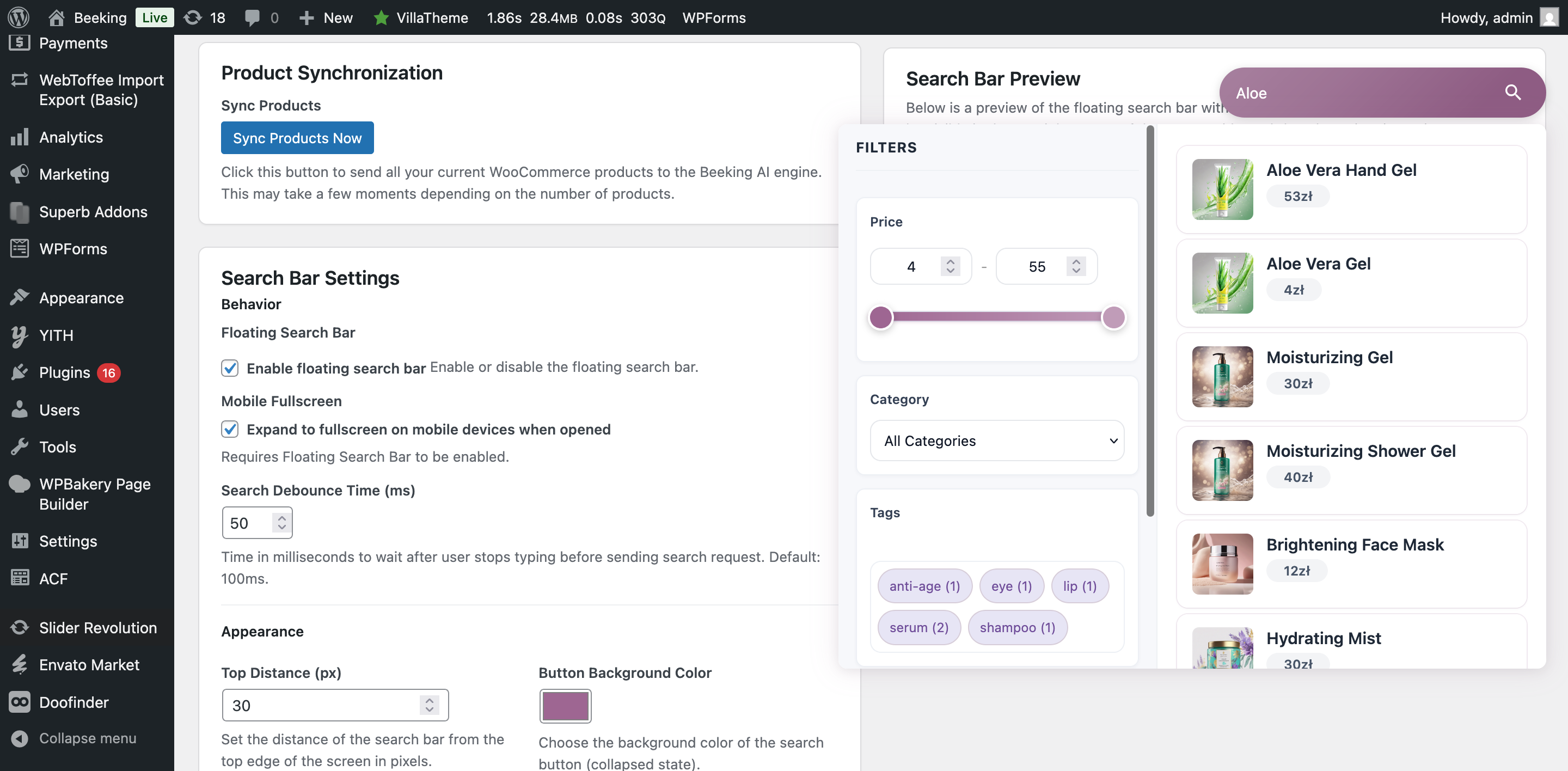
Try important queries and check the mobile search experience.